
Playing together is more than a way to pass the evening. Our Head of BD shares the games he and his son have played since the boy was 6, with notes on co-op modes, platforms and age suitability.
Playing video games with your child is more than just a way to pass the evening. While playing together, you can build, laugh, and figure things out—and in a few years, you might find that your child is the one explaining to you how to do something.
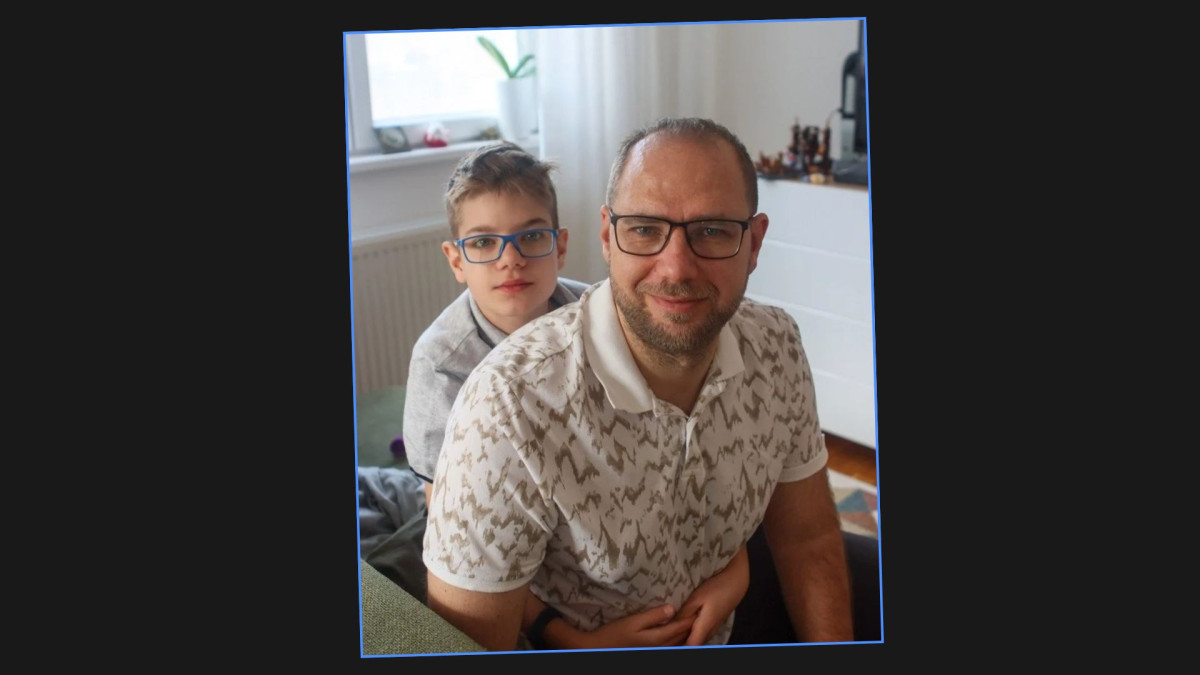
This list is based on the real-life experience of our Head of BD, Roman Zhin—an avid gamer and father of 12-year-old Ivan. They started playing together when the boy was 6 years old. Their first game was Minecraft, followed by LEGO games, soccer, superheroes, and other adventures.
Important: This is not a universal or “objective” ranking of the best games for kids. The selection reflects the personal experience of one family, their tastes, habits, and what worked specifically for them. What works great for one child might not appeal to another at all—a lot depends on age, experience, and interests.
The family played most of these games on PlayStation, but in this article we’ve included information on which platforms allow for two-player gameplay. That said, not every selection here is a classic two-player co-op game. Some are best played together. In others, you take turns controlling the character. Some are perfect for situations where a parent plays while the child watches, discusses what’s happening, and participates in the story.
This is an important distinction. Playing together with your child doesn’t necessarily mean that each of you has to hold a controller or be in control the whole time.
- At a glance: the best games to play together with your child
- The 10 Best Games to Play With Your Child
- Separately: God of War—a personal story, but not a direct recommendation
- What makes a game suitable for your first time playing together with a child?
- What if you’re not a gamer, but your child loves video games?
- You do not always have to be Player Two
At a glance: the best games to play together with your child
If you want a quick answer, start with this table.
| Game | Best for | How to play together | On one PC? |
|---|---|---|---|
| Minecraft | Kids who like building and exploring | Online on PC, split-screen on consoles | No built-in mode |
| LEGO Batman and other LEGO games | Beginners and superhero fans | Local co-op | Yes |
| Moving Out | Families who want to laugh together | Local co-op | Yes |
| TMNT: Shredder’s Revenge | Fans of fast-paced arcade games | Local or online | Yes |
| EA SPORTS FC | Kids who are into soccer | Local multiplayer | Yes |
| Stardew Valley | Fans of slower-paced games | Split-screen or online | Yes |
| It Takes Two | Players looking for full co-op | Local or online | Yes |
| Fortnite | More experienced players | Online on PC, split-screen on supported consoles | No local mode |
| LittleBigPlanet | Fans of platformers and creativity | Local play on PlayStation | No PC version |
| Spider-Man | Fans of superhero stories | Watch together or take turns | Single-player only |
When choosing a game, age isn’t the only thing that matters. Gaming experience, sensitivity to tense or scary scenes, confidence with a controller, and personal interests can be just as important.
The 10 Best Games to Play With Your Child
1. Minecraft—the best game to start playing together
If we had to keep only one game from this entire list, it would be Minecraft.
This is also where Roman and Ivan’s gaming story began. During the pandemic, both of Ivan’s parents suddenly found themselves working from home. Roman had bought Minecraft for PlayStation during a Christmas sale some time before. At first, Ivan simply watched his dad play, but then he almost accidentally connected a second controller—and they discovered that Minecraft could be played together in split-screen mode.
Their regular game quickly turned into a real division of responsibilities. At one point, they even recreated the real house the family was planning to build. They used the project dimensions and made a virtual version of their future house that they could walk around in.
In Minecraft, you do not need to be equally good at the game. A child who is not yet comfortable with combat or quick reactions can focus on building. One player can explore while the other works on the house. You can come up with a joint project, create your own rules, or simply see where the evening takes you.
Your relationship with the same game can also change as your child grows. Several years later, Roman and Ivan started playing Minecraft together again, only now their roles had changed. Ivan knows which resources they need, understands the mobsMobs are the creatures of Minecraft—from friendly animals to hostile monsters. and game mechanics, and tells his dad what to do. Roman has become the miner who gathers resources. Eventually, your child may become better than you and start explaining the mechanics and strategy.
Important to know: PCs don’t have a built-in split-screen feature, so you’ll need two devices and compatible versions of Minecraft to play together. For example, the Java Edition and Bedrock Edition don’t support direct multiplayer between them. If your child is just starting out, you can choose Creative Mode, where they won’t have to fight monsters or gather resources to survive.
2. LittleBigPlanet—for creativity and first shared adventures
LittleBigPlanet was one of the first games that Roman played all the way through with Vanya. In terms of atmosphere, it’s a cheerful and colorful arcade game, but not quite “saccharine”: it features some slightly strange—and at times a bit scary—characters and visuals. But Vanya found this more amusing than scary.
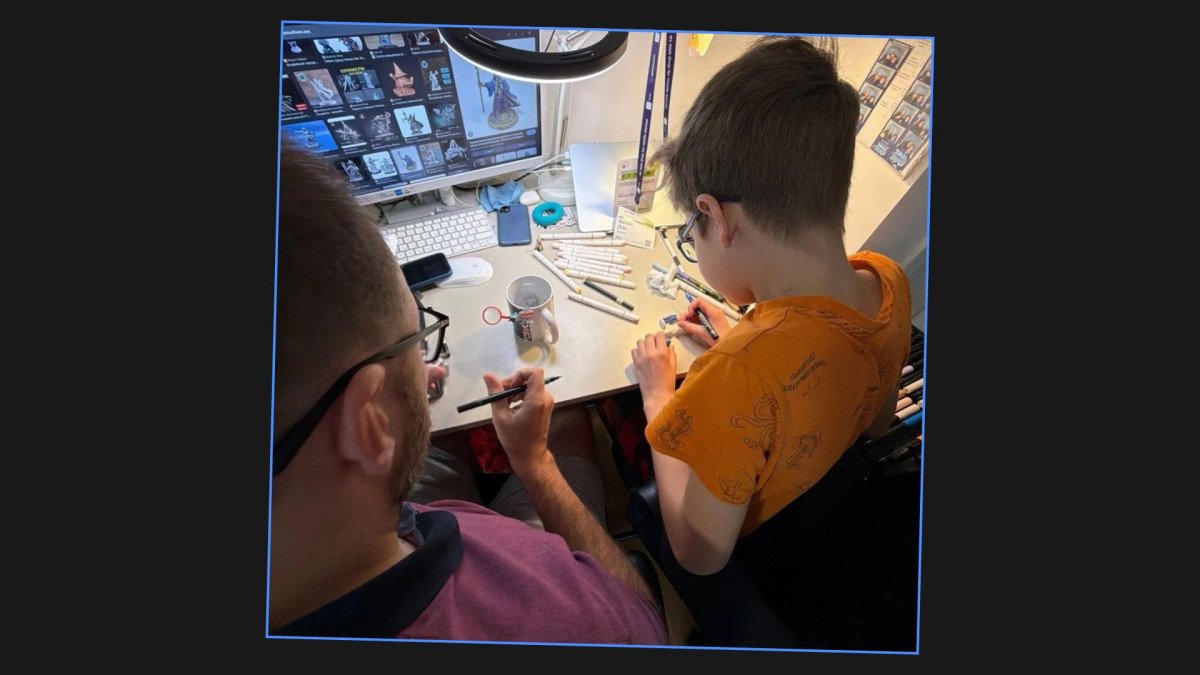
He especially enjoyed the creative aspect of the game. Vanya has an artistic mind, so he found it interesting not only to complete levels but also to decorate, modify, and come up with things on his own.
Another reason the game is great for kids is that it doesn’t have a complex combat system: time is mostly spent on platforming, exploring levels, and working on cooperative tasks. If your child likes to draw, build, decorate, or create their own game worlds, LittleBigPlanet might be a perfect fit.
What to know today: The original LittleBigPlanet games were never released for PC. In addition, the LittleBigPlanet 3 servers were shut down, so players no longer have access to online creations made by other users. The offline campaign and locally saved content remain available to owners of the game.
If you’re looking for something similar that you can buy and play on a modern PC, consider Sackboy: A Big Adventure. It is a separate platformer with local and online co-op for up to four players, available on PC and PlayStation. However, it does not have a full level editor like LittleBigPlanet.
3. LEGO—one of the best game series for children who are still learning the controls
LEGO games definitely deserve a special place among games for parents and children.
Our colleague and his son played through the entire LEGO Batman game together when the child was still just learning how to play. At first, Vanya kept missing his jumps, pressing the wrong buttons, and falling into pits. But the advantage of LEGO video games is that mistakes don’t lead to critical consequences. A parent can suggest a solution and then let the child try it on their own. That’s exactly what happened with Vanya—over time, he got the hang of it, and it became clear that he was starting to play well.
That’s why LEGO games are generally well-suited for a child’s first introduction to video games. They feature familiar characters, world exploration, simple puzzles, humor, and fairly straightforward mechanics that don’t require perfect reflexes right from the start (and if certain missions prove challenging, a parent can step in and complete the level on their own).
Important to know: We’re primarily talking about LEGO Batman; other LEGO games may differ in mechanics, difficulty, and co-op formats. It’s worth checking the specifics of the game you’ve chosen before buying.
4. Moving Out—a funny game to play together
Moving Out is a deliberately chaotic physics-based game about a team of clumsy movers. Together, you carry sofas, beds, and boxes through increasingly absurd locations. Furniture gets stuck in doorways, and things are constantly falling and breaking.
One of our colleagues played through several missions with his son when he was still little, and recalls that the child literally laughed until he had the hiccups.
The game is cooperative but doesn’t require perfect coordination. Here, chaos is part of the fun. Additionally, the game features an assist mode that lowers the difficulty and makes the experience more comfortable for young or inexperienced players.
If your family is looking for a game you can jump into for 20–30 minutes without starting a massive story campaign, Moving Out is an excellent choice.
Important to know: The original Moving Out was designed primarily for local co-op. If you want to play with your child online across different devices, you should check out Moving Out 2, which features full-fledged online multiplayer.
5. Teenage Mutant Ninja Turtles: Shredder’s Revenge—arcade co-op for two generations
For a child, this is a vibrant and dynamic arcade game with straightforward action. For a parent who grew up on Teenage Mutant Ninja Turtles or games from the 8- and 16-bit console eras, it’s also a chance to take a trip down memory lane.
Roman and his son played through the entire game. You don’t need to be a master of the controls to beat this game. Yes, there are combos and more complex moves, but to start with, it’s enough to master the basics: moving, jumping, and attacking.
Interestingly, Roma and Vanya played Shredder’s Revenge on a phone by connecting two gamepads to it. The mobile version now officially supports controllers, but local two-player mode on a single device isn’t supported, so it’s safer to choose the PC or console version for co-op play.
Important to know: There are plenty of cartoon-style fights here, and the game’s pretty fast-paced. If your child isn’t yet confident using a controller, the LEGO series or Minecraft would be a calmer option to start with.
6. EA SPORTS FC—for children who love soccer
In our colleague’s case, his family’s gaming experience began with FIFA—a series now known as EA SPORTS FC.
Why soccer, specifically? Because many children understand the logic of the game even before they pick up a controller for the first time. Familiarity with the sport itself removes one of the main barriers to video games: the need to first figure out what’s expected of you.
Here’s what Roman himself has to say about the game:
“The great thing about FIFA is that kids already understand soccer itself: they know what a pass, shot, and goal are. This is exactly the kind of game that’s ‘easy to learn, hard to master.’ To start playing, you literally just need to know two buttons—pass and shoot—and you can already create some exciting moments on the field. Vanya even beat me sometimes. Another plus for a kid is the chance to literally reach for the stars: to play as Messi or Ronaldo themselves, score a goal for them, and see how they celebrate it. But I wouldn’t recommend NHL or NBA to a kid to start with—their mechanics are much more complicated.”
— Roman Zhin, Head of BD
7. Stardew Valley—a calm game for older children
Stardew Valley appeared in the family’s gaming history almost by accident. Roman bought the game a few years ago and played it a little on his own. Later, Vanya discovered Stardew Valley in the family’s Steam library and became so engrossed in it that he eventually stopped playing almost anything else. For about half a year, Stardew Valley was practically the only game that interested him. Now he plays online with a friend who lives in another city, constantly discovering new characters, quests, and game mechanics, and enthusiastically telling his father about unusual quests.
Stardew Valley gives players a farm and a small world that gradually evolves. You can grow crops, gather resources, fish, explore the surroundings, interact with characters, and choose what you want to do.
Important to know: Stardew Valley seems simple, but it features many systems, a lot of text, and interactions with characters. For very young children, some mechanics may prove challenging. Additionally, the game touches on more adult themes—such as alcohol consumption and the personal struggles of certain characters.
8. Spider-Man—games you can watch together like a movie
A good game for a parent and child doesn’t necessarily have to be cooperative. When Vanya was younger, Roman would play Spider-Man while Vanya sat next to him and watched. It felt a lot like an interactive superhero movie. His son recognized characters from cartoons and movies, commented on what was happening, and followed the plot—even without controlling the hero himself.
Later, the situation changed: Roman first played through the next game in the series, and then Vanya played through it on his own. By watching someone else play, a child first understands the basic rules and mechanics without having to figure out which button to press at the same time.
Important to know: Not all Spider-Man games are suitable for young children. The series includes intense scenes, fights, and fairly serious plot themes. Before playing, check the age rating for the specific game.
9. It Takes Two—the obvious choice if you want true two-player co-op
This is one of the few important recommendations on our list that isn’t based on personal gaming experience. Roman simply missed the right moment: when It Takes Two came out, Vanya was still too young, and by the time it was released, their gaming habits had already changed.
Nevertheless, this was the very first game Roma named when asked to recommend something to other families. It Takes Two is entirely built around the interaction between two players. Each has their own abilities, and you can only move forward when you communicate and help each other. Here, it won’t work for one strong player to do everything on their own while the other simply follows along.
The story itself is about a married couple going through a relationship crisis, so the game is best suited for older children. In It Takes Two, you actually have to play together as a pair, not just share the same screen. Without the second player’s actions, you simply can’t progress.
10. Fortnite—for those who enjoy competitive games
Fortnite became one of those games where the dynamic between father and son completely flipped over time. At first, they played together while Ivan was still learning. But then the son started playing significantly better than his dad.
He figured out the mechanics, watched videos, studied various strategies, and regularly took first place in Battle RoyaleA match format where many players compete at once until only one player or team is left standing. matches. As a result, Roman has practically stopped understanding half of what his son is doing on screen.
However, Fortnite is significantly more complex than Minecraft or LEGO Batman games. It’s a competitive game that changes regularly and has a wide range of online features.
Important to know: Before letting your child play online, you should familiarize yourself with the parental control settings. They allow you to restrict communication with other players, access to age-rated content, and in-game purchases. It’s also worth noting that local split-screen isn’t available in the PC version, and on consoles, it doesn’t work in all modes.
Separately: God of War—a personal story, but not a direct recommendation
In the case of God of War, there’s an important caveat. The game came up in the interview because Roma and Vanya spent time playing it together, and they even streamed part of their playthrough: Dad played while his son sat next to him, watching and commenting on what was happening.
Roman was struck not only by the gameplay but also by Kratos’s relationship with his son, Atreus. Atreus disobeys, runs away, and makes his own decisions, while Kratos has to deal with the consequences. According to Roman, at times it all felt quite realistic.
However, God of War shouldn’t be viewed as a typical recommendation for children. The PC version is rated for adults and contains violence, blood, and profanity.
For a sufficiently mature teenager—provided the parent considers the content appropriate—this could be an interesting game to play together. For younger children, it’s better to choose something else from this selection.
What makes a game suitable for your first time playing together with a child?
A child should quickly feel that they’re making progress.
A child doesn’t have to play well right from the start, but it’s important that even mastering just a few buttons allows them to do something meaningful—so that the result of pressing a button or key is clear.
Choose games where it’s okay to make mistakes.
Games like LEGO are great precisely because they’re pretty forgiving of mistakes. Did your child miss a jump? No big deal—they can try again. If a mistake doesn’t mean having to restart the entire level, your child will be less frustrated, and you won’t have to take over the controls.
To start, try cooperative mode instead of competitive mode.
Competitive games can be fun, too. But cooperative mode is more likely to create opportunities for interaction:
“Bring me a rock.”
“Press that switch.”
“Jump when I say so.”
Pay attention not only to the age rating but also to the stress level.
Age ratings are important, but they aren’t the only criterion. Some children find timers annoying, while others don’t like it when someone is constantly chasing them. Some are frightened by resources that keep running out. At the same time, that same child might be perfectly fine battling cartoon monsters.
Familiar universes make it easier to get started with the game.
Soccer, Spider-Man, and LEGO all share one advantage: many children already know something about them before the game even begins.
This means less time needs to be spent explaining the game world, and it’s easier to spark a child’s interest.
What if you’re not a gamer, but your child loves video games?
According to Roman, it’s practically impossible these days to completely shield a child from video games. Roblox, Minecraft, and other games have become part of socializing with peers, so bans are unlikely to help here.
“If there’s something you can’t fight, you have to lead the way.”
— Roman Zhin, Head of BD
That said, parents don’t have to become hardcore gamers. Sometimes it’s enough to simply take an interest in what your child is playing and not brush them off when they want to share something.
For example, Vanya regularly tells his father about Stardew Valley: what quests he’s found, what he’s done in the game, and what unusual mechanics he’s discovered. Roman himself isn’t always particularly interested in these details, but he listens anyway and asks questions.
You can do the same without diving deep into a specific game: ask your child to show you what they’ve built in Minecraft, explain how a certain mechanic works, or simply talk about what they’re trying to achieve.
Roman also believes that leading by example is important. If a parent curses at the screen and throws the controller after losing a game, and then tries to explain to the child how to have the “right” attitude toward games, that lesson is unlikely to work. It’s much more helpful to play together sometimes and show through your own behavior that it’s okay to finish a game calmly, get over a loss, and not treat a win as a matter of life and death.
And even if you’ve never considered yourself a gamer, you can start with something simple. Minecraft, for example, doesn’t require much gaming experience: if kids can figure it out, an adult can certainly get the hang of it, too.
After all, sometimes all it takes is letting your inner child run free and showing your child that you, too, might enjoy spending time with them in their game world.
You do not always have to be Player Two
As children grow older, the roles in the game may change, and that’s normal. At first, a child can’t jump over a pit in LEGO and calls for Dad. A few years later, it’s Dad who gets lost in a Minecraft cave and calls his son for help.
And one day, your child will simply lose interest in playing together—and that’s normal, too. The goal isn’t to turn gaming into a mandatory family ritual, but simply to have another interesting topic to discuss where the two of you are on the same page. Sometimes this means grabbing a second controller, and other times it just means listening carefully to a long story about why a pair of lucky purple shorts in Stardew Valley suddenly became the most important event of the week.


